
Managing a WhatsApp group with a handful of members is simple. However, when you’re responsible for adding dozens or even hundreds of people, the process quickly becomes time-consuming and frustrating.
This challenge affects housing societies, businesses, HR departments, event organizers, educational institutions, agencies, and community managers. Instead of focusing on communication and engagement, admins often spend hours manually adding members one by one.
In this guide, we’ll explore how to add multiple contacts to a WhatsApp group, the limitations of WhatsApp’s native tools, common problems admins face, and practical ways to manage large groups efficiently.
Why Businesses Need Bulk Contact Addition
Many organizations use WhatsApp as their primary communication channel because it is familiar, widely adopted, and accessible.
Common examples include:
- Employee announcement groups
- Housing society resident groups
- Event attendee groups
- Training program groups
- Volunteer communities
- Customer communication groups
- Agency client groups
In these situations, manually adding every member becomes inefficient and error-prone.

The Traditional Way to Add Members
Most WhatsApp users add contacts by:
- Opening the group
- Clicking Add Members
- Searching for a contact
- Selecting the contact
- Repeating the process
While this works for a few members, it becomes impractical for large groups.
Imagine:
- 100 employees joining a company
- 300 residents moving into a housing society
- 500 attendees registering for an event
The manual approach can take hours.
Challenges When Adding Large Numbers of Contacts
Time Consumption
Adding members individually requires repetitive actions.
Human Errors
Admins may:
- Miss contacts
- Add wrong contacts
- Create duplicate efforts
Scaling Problems
As organizations grow, manual administration becomes difficult.
Privacy Restrictions
Some users configure privacy settings that limit who can add them to groups.
This often causes failed additions and confusion among administrators.

Can WhatsApp Add Multiple Contacts at Once?
WhatsApp itself does not provide a built-in bulk import feature for standard users.
Instead, group admins generally rely on:
- Manual additions
- Invite links
- Community invitations
- Third-party productivity tools
Each option has advantages and disadvantages.
Option 1: Invite Links
Group invite links allow users to join voluntarily.
Advantages:
- Easy distribution
- Minimal admin effort
Disadvantages:
- Users must take action
- Links may be ignored
- Links may be shared publicly
For businesses and organized communities, invite links may not provide sufficient control.
Option 2: WhatsApp Communities
WhatsApp Communities were introduced to organize related groups.
Advantages:
- Centralized structure
- Useful for large organizations
Disadvantages:
- Community invitations frequently fail
- User privacy settings can prevent additions
- Some users never accept invitations
For this reason, many organizations still prefer traditional WhatsApp groups.
Why Community Invites Often Fail
A common misconception is that Communities solve every scaling problem.
In reality:
- Users may restrict group additions
- Invitations require acceptance
- Some members never respond
Housing societies and businesses often discover that only a fraction of invited users successfully join.
This is why direct group management remains popular.

Best Practices Before Adding Large Numbers of Members
Verify Contact Numbers
Ensure all numbers:
- Include country codes
- Are active WhatsApp users
- Are formatted correctly
Inform Members First
Unexpected additions can result in:
- Immediate exits
- Complaints
- Reduced engagement
Organize Contacts
Create categories such as:
- Employees
- Residents
- Vendors
- Volunteers
- Attendees
Use Relevant Groups
Avoid placing everyone into one giant group when separate groups make more sense.
Common Problems Group Admins Face
Contact Cannot Be Added
Possible reasons:
- Privacy settings
- User blocked invitations
- Number not registered on WhatsApp
Group Reaches Capacity
Large organizations should understand group size limitations before planning communication.
Users Leave Immediately
This usually happens when users were not informed beforehand.
Duplicate Communication
Multiple overlapping groups create confusion and message fatigue.

Real-World Examples
Housing Societies
Resident welfare associations often manage:
- Resident groups
- Security groups
- Maintenance groups
- Emergency communication groups
Adding hundreds of residents manually becomes difficult.
Businesses
Companies frequently create:
- Department groups
- Announcement groups
- Project groups
As employee numbers increase, administration becomes more challenging.
Event Organizers
Conference organizers may need to communicate with:
- Attendees
- Speakers
- Sponsors
- Volunteers
Fast onboarding is essential.
Educational Institutions
Schools and coaching centers manage:
- Parent groups
- Student groups
- Faculty groups
Large enrollments increase management complexity.
Tools That Help Manage Large WhatsApp Groups
Organizations handling frequent member additions often look for productivity tools that simplify group management.
Instead of manually adding contacts one by one, these tools help administrators work more efficiently and reduce repetitive tasks.
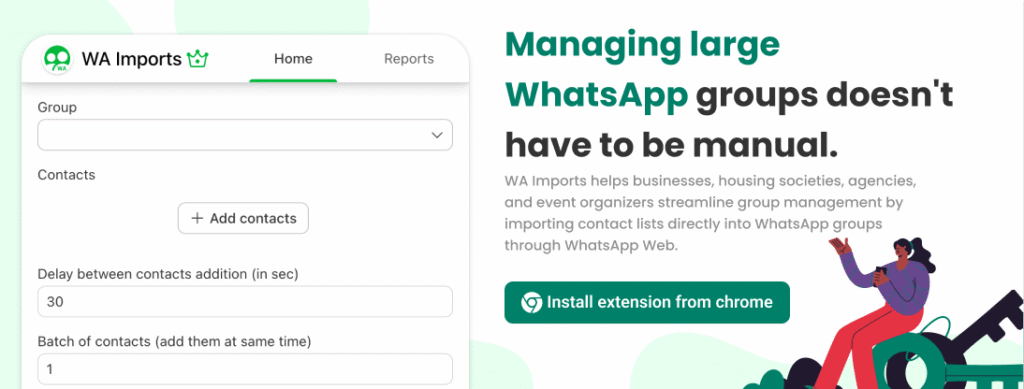
For organizations regularly importing contact lists, solutions such as WA Imports can streamline the process directly through WhatsApp Web.
Internal Resources
Related guides:
- /blog/import-excel-contacts-into-whatsapp-groups/
- /blog/bulk-add-contacts-to-whatsapp-groups/
- /blog/whatsapp-groups-vs-communities/
Conclusion
Adding multiple contacts to a WhatsApp group becomes increasingly difficult as organizations grow.
Businesses, housing societies, event organizers, agencies, and educational institutions often face challenges related to manual additions, privacy restrictions, and scalability.
While invite links and Communities offer alternative approaches, direct group management remains the preferred option for many organizations.
By organizing contacts properly, understanding WhatsApp limitations, and using efficient workflows, administrators can save significant time while maintaining effective communication.
Frequently Asked Questions
Can I add multiple contacts to a WhatsApp group at once?
WhatsApp does not provide a native bulk import feature. Most users rely on manual additions, invite links, or specialized productivity tools.
Why can’t I add some contacts to a WhatsApp group?
Privacy settings, account restrictions, or unregistered numbers are common reasons.
Is WhatsApp Community better than a group?
Not always. Many organizations prefer groups because Community invitations may fail or require user acceptance.
How do businesses manage large WhatsApp groups?
Businesses typically organize contacts carefully, create structured groups, and use tools that simplify group administration.
Can housing societies use WhatsApp for resident communication?
Yes. WhatsApp is widely used for resident updates, maintenance notifications, security communication, and community announcements.